


¡Hola profes! How are you doing? Have you been having a lot of winter weather where you are? We’ve had three snow days so far in January here in Pennsylvania. I love snow, so I’ve been happy! Hopefully you’ve gotten some snow (or at least some snow days) too!
Let me ask you a question, profes: Is your school 1-to-1 with devices such as Chromebooks or iPads or BYOD (bring your own device)? If so, you might be encouraged (or even required) to have students use their devices regularly in class. But even if that’s not the case, there are some really awesome activities that your students can complete digitally to help reinforce the content that you’re teaching! This week, I wanted to talk about three of my favorites!
#1: Digital Task Cards
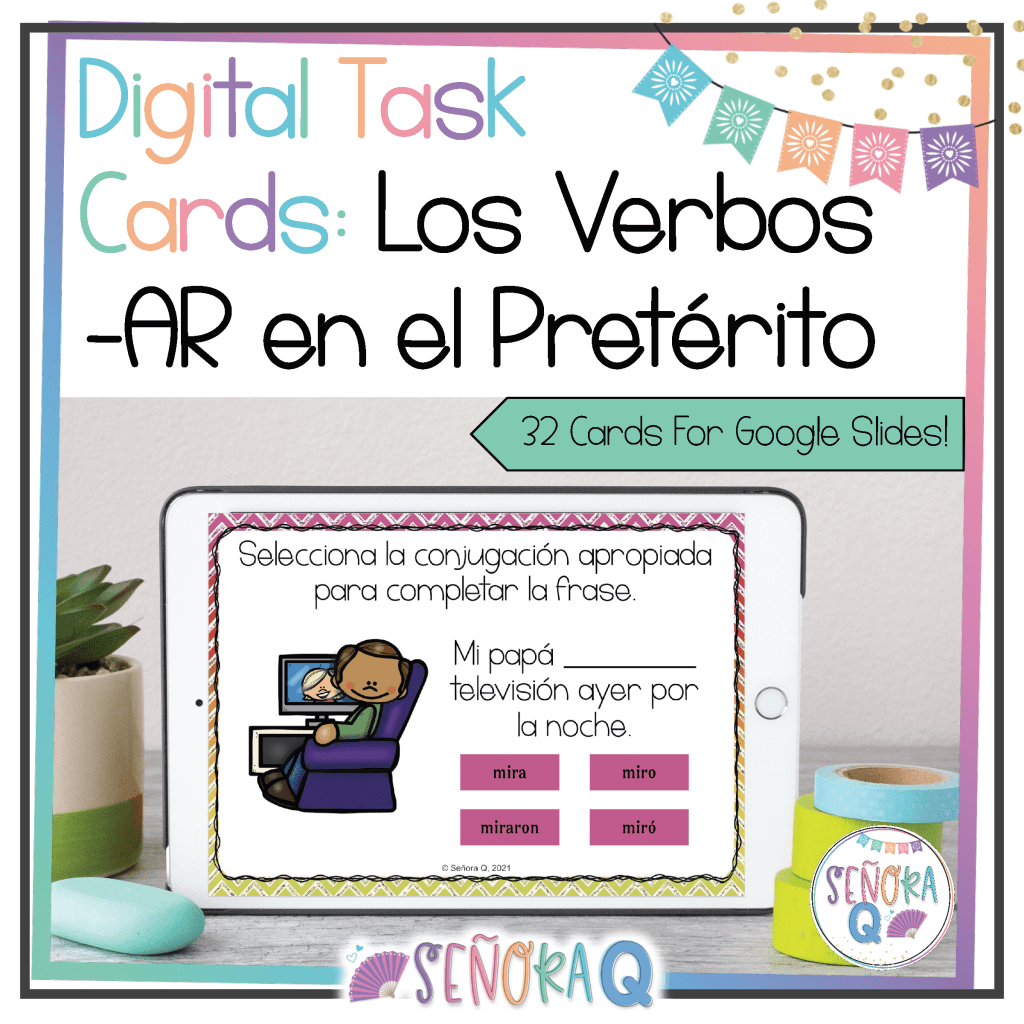
Digital task cards provide your students with a fun and engaging way to practice virtually any concept! If you’ve never used task cards (digital or otherwise) before, they are cards that contain a question or prompt on it that pertains to the topic you’re studying in class. Students respond to the question or prompt before moving on to the next card. A bonus feature of digital task cards is that it’s easy to add your own borders, clip art, and cute fonts to make them visually appealing! If you’re like me and are NOT artistically inclined, digital task cards are much simpler to make, and they look nicer, too!
For my students, digital task cards are beneficial because having only one question or prompt to answer at a time helps them focus and makes the task much more manageable when it’s broken down a little more. My students enjoy digital task cards and consistently do well with them – win, win!
Here are two digital task card formats I use regularly in my classroom:
- BoomTM Cards. BoomTM Cards are digital task cards which tell students immediately if they have the correct answer! Students can retry until they get the answer correct. You can use BoomTM Cards for free, with advanced reporting features available with upgraded memberships.
- Google Slides. You can make a deck of digital task cards by treating each slide of your Google Slides presentation as an individual task card! These are easy to assign to your students, as Google Apps are compatible with Google Classroom, Canvas, and other learning management systems. It is also simple for students to share their answers with you and for you to give students feedback on their responses!
Here’s a FREE digital task cards set on weather that includes both Google Slides AND BoomTM Cards versions!
Here are some of my other favorite BoomTM Cards and Google Slides digital task cards sets:



#2: Scrambled Sentences Puzzles
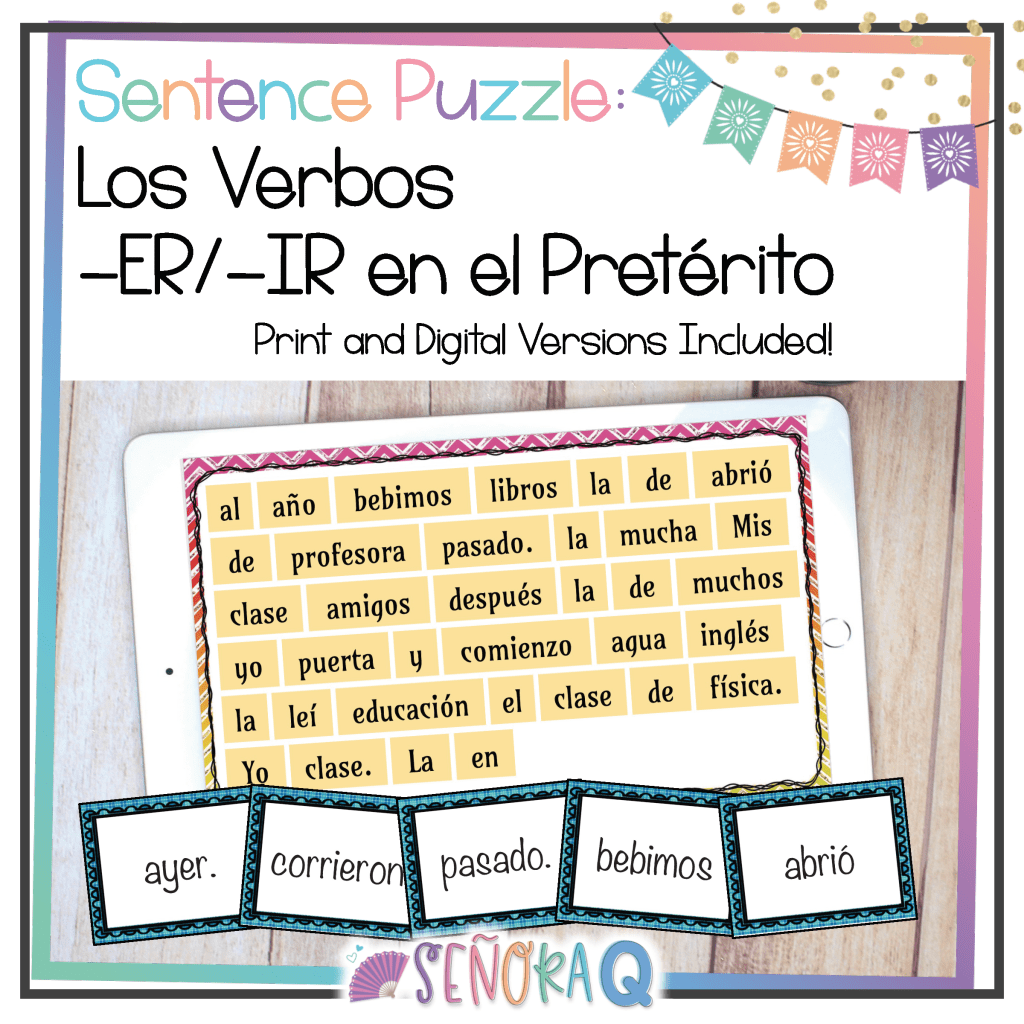
Last week, I explained how I use printable scrambled sentence puzzles in my classroom, but I use scrambled sentence puzzles with my students digitally as well!
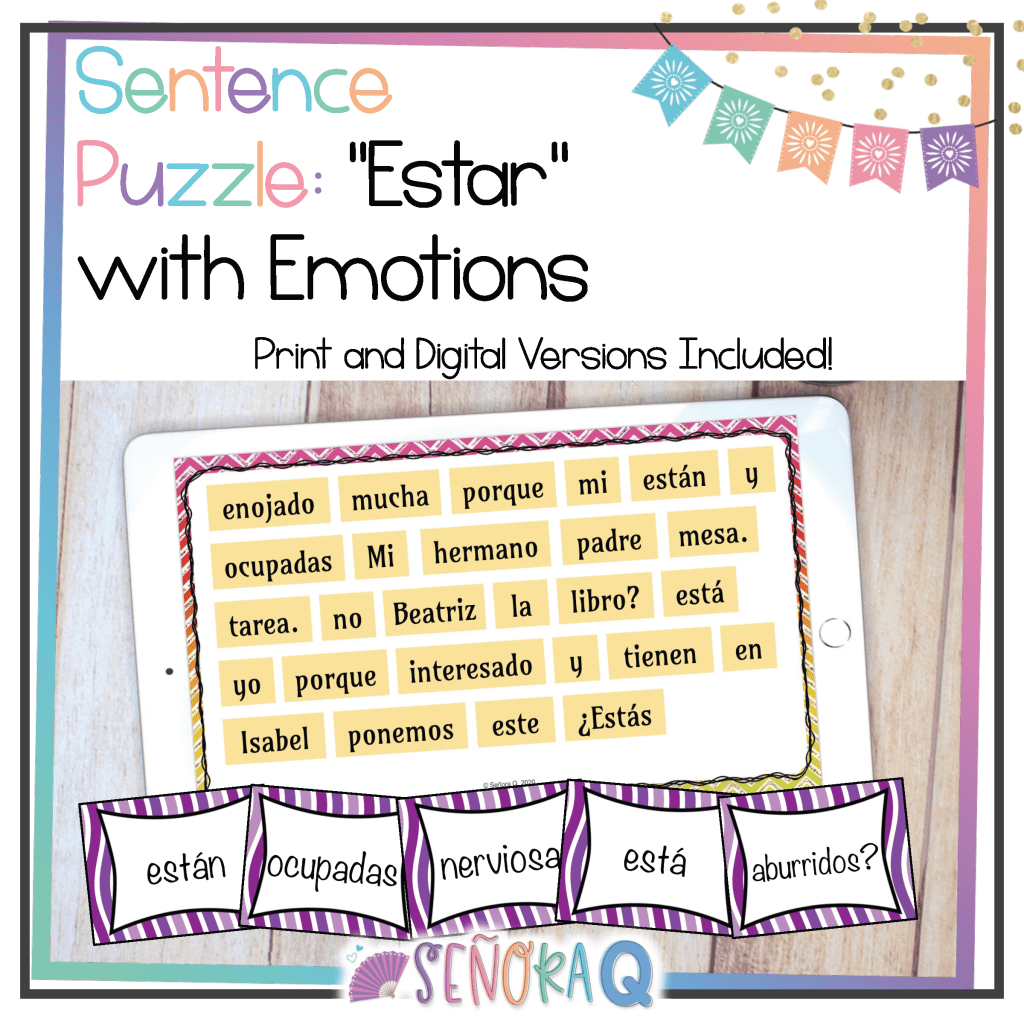
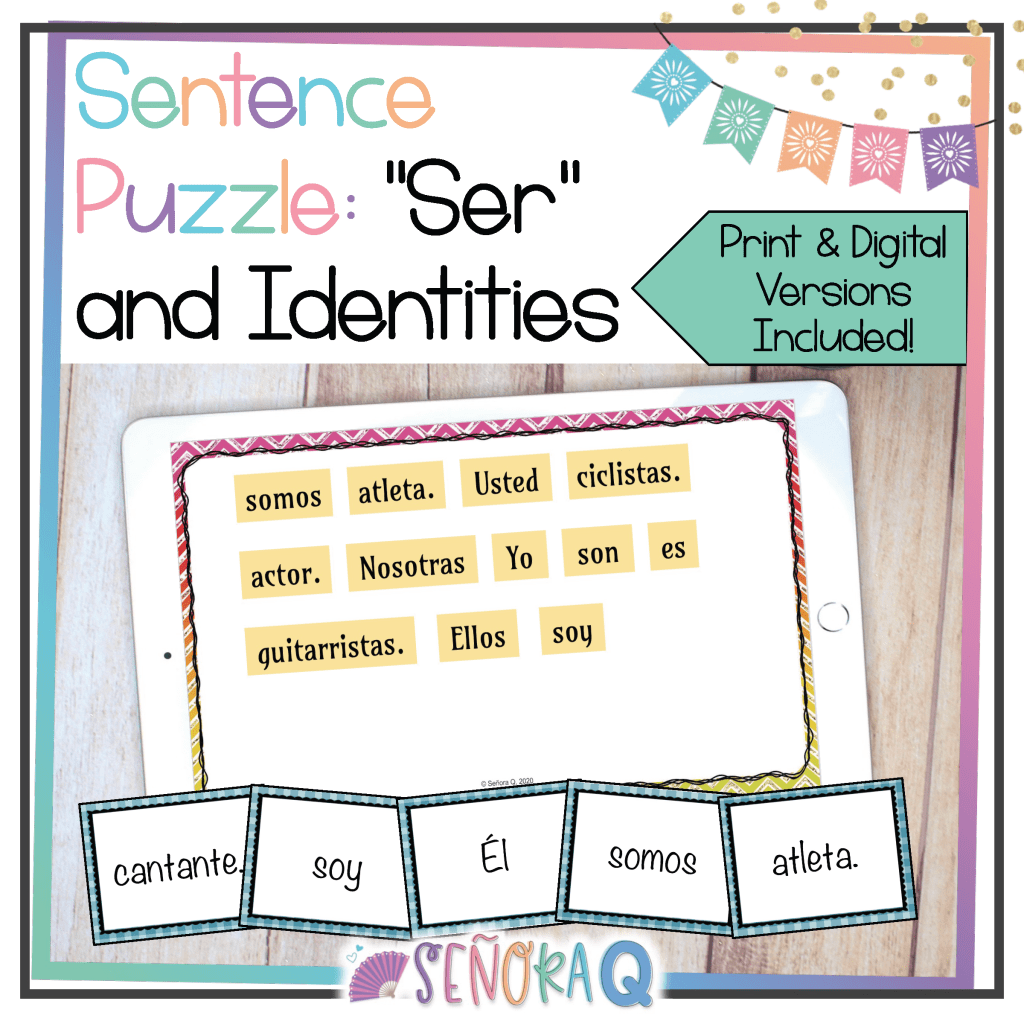
Making scrambled sentences puzzles is pretty easy – write 6-9 sentences in Spanish that relate to the topic(s) you’re studying in class. Then, you scramble the sentences up and have your students put them back together!
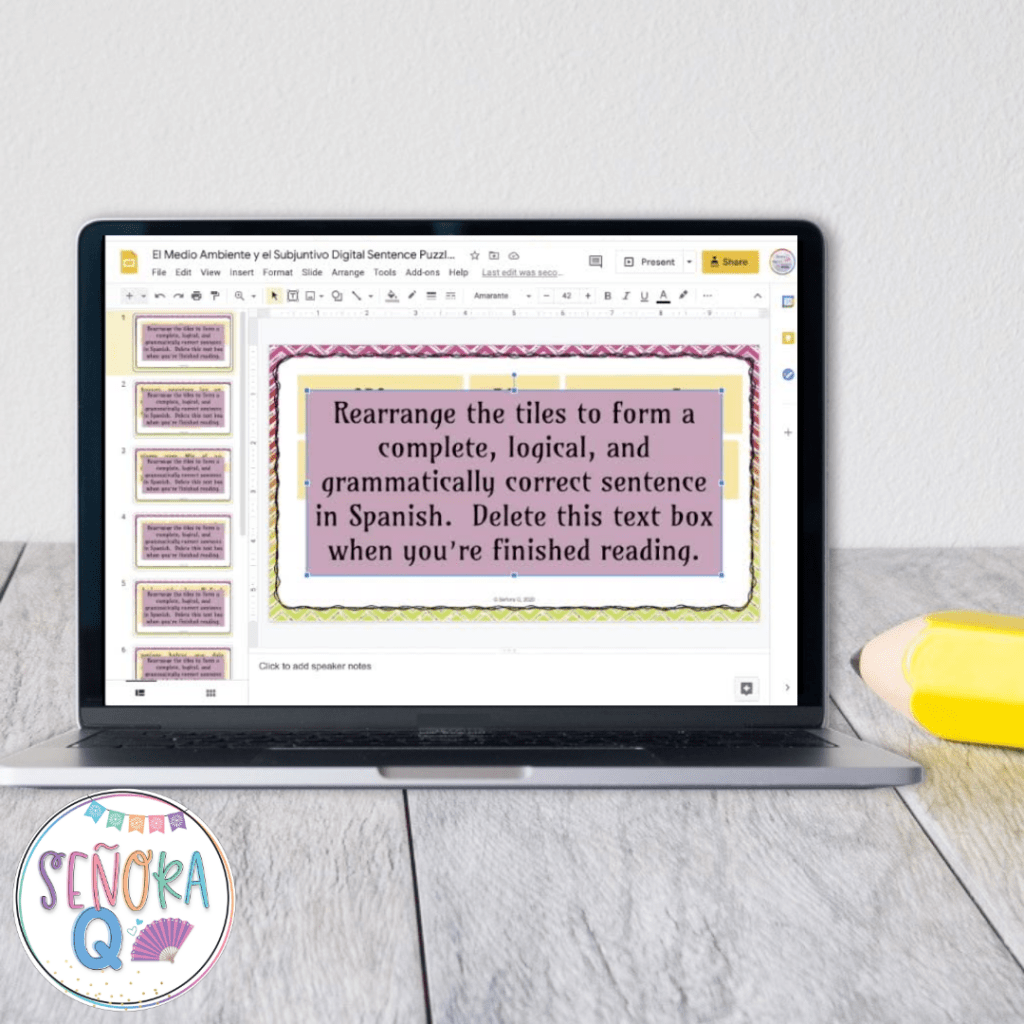
To make this a digital activity, I personally like to use Google Slides. I create a text box for each word of the sentence. I make sure the text box has a colored background so that it is easier for students to see. Then, I scramble up the text boxes so that they are no longer in order.
You can choose how many sentences you want to scramble up on each slide. For your lower-level students, you may only want to have one sentence per slide. This makes the activity much easier to complete!
You could also decide to put a few sentences (2-3) together on one slide for students to unscramble. This increases the level of difficulty for students who are ready for this challenge!
Another option is to put all sentences on one slide! This option is, for sure, the most challenging version of this activity! Having a few different versions of your digital scrambled sentences puzzle makes it easy to differentiate for your students so that all students can complete the activity at a level of difficulty that is appropriate for them!
To give my students access to the Google Slides presentation that I made, I share the force-copy link on my LMS, Canvas. Then, students rearrange the text boxes to put the sentences back together, and when they think they’ve successfully unscrambled all the sentences, they upload their completed assignments on my LMS for me to review!
If a digital scrambled sentences puzzle sounds like a fun activity for your classroom, but the thought of making one from scratch does NOT, I’ve got you covered! Grab these ready-to-use sets and get both the digital AND printable versions!


#3: Interpretive Listening Activities
Think back to your Spanish classes back in middle and high school – how did you practice listening? I remember my teachers playing a CD out loud for the whole class to listen to at the same time as we completed a corresponding activity. I know that was the best technology could offer at the time, but it wasn’t always super effective in ensuring that all students could hear and comprehend. If you sat too close to the CD player, it might be too loud, or if you sat too far away, not loud enough. If someone coughed behind you, or was rummaging through their backpack, or making other extraneous noise, it could be difficult to understand.
Does this sound familiar? If so, the good news is that technology can make listening comprehension more accessible for students! Rather than playing an audio out loud for everyone to listen to at once, sharing the audio files directly with your students via your LMS, email, etc. and having students listen through headphones at their own pace will ensure that more students can hear and understand what they are listening to. This is also another way to provide differentiation – if students need to listen more in order to adequately comprehend, they are easily able to do so!
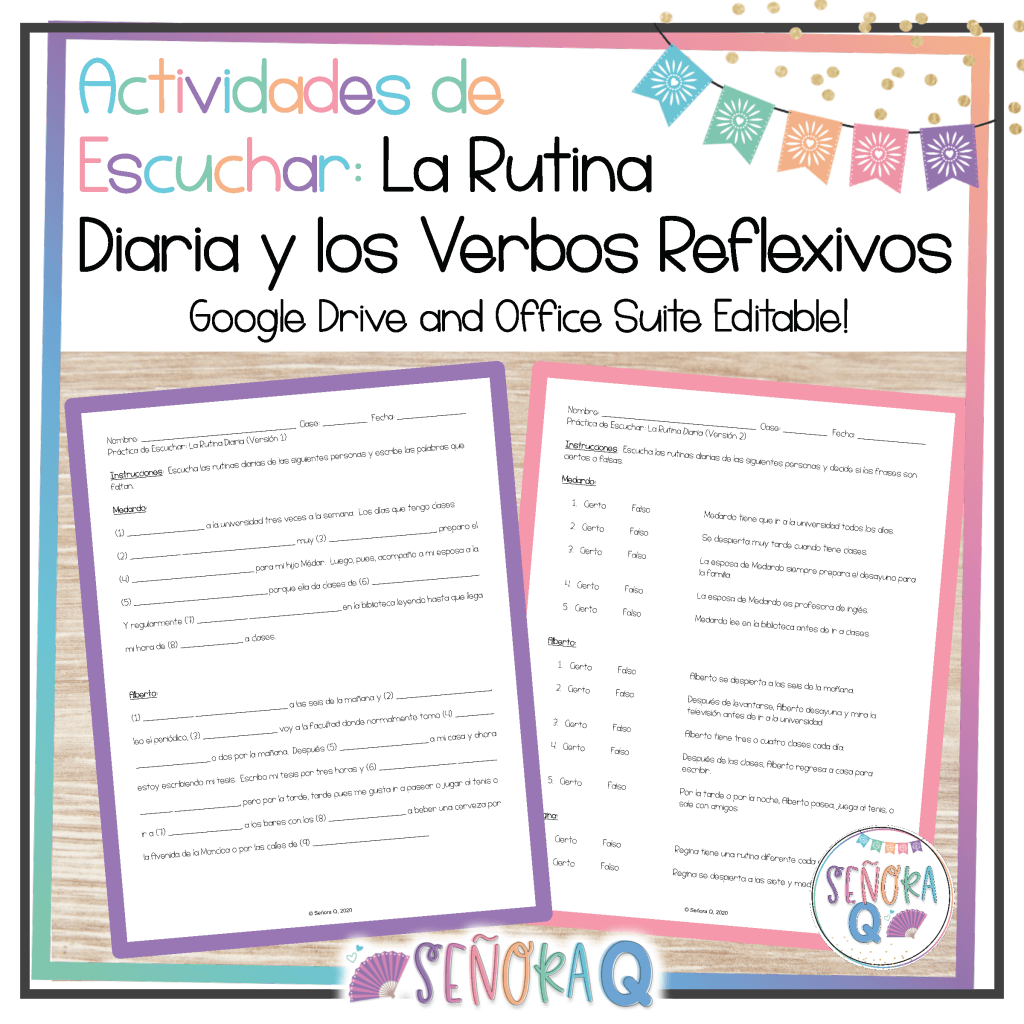
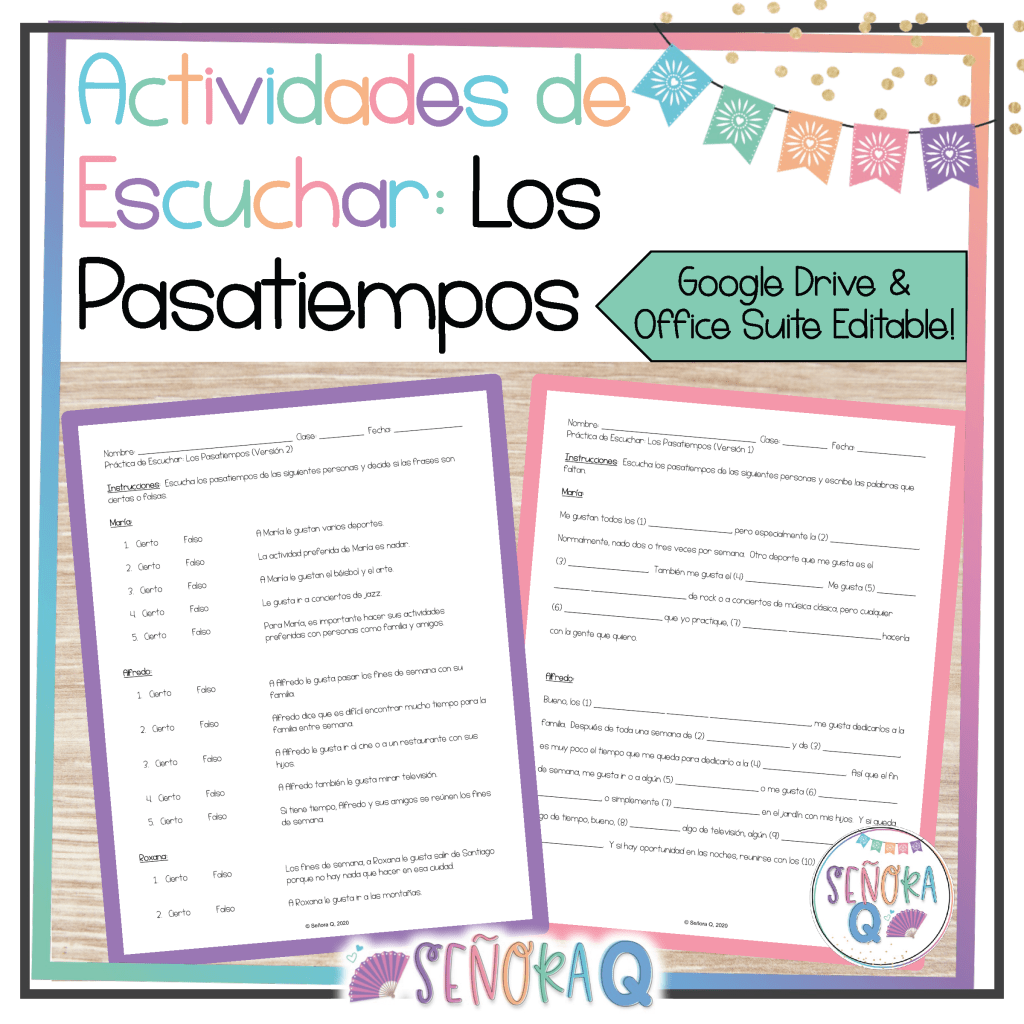
You can also have your students complete the corresponding comprehension activities digitally! There are numerous ways you could do this, but I typically share the force-copy link of the Google Doc containing the comprehension activities, have my students type their answers on the Doc as they listen, and then upload the completed document to our LMS!
Are you looking for listening comprehension activities? Here are some of my favorites:


I hope this was helpful! Please feel free to leave me a comment or send me a message if you have any questions about any of these activities! Have a wonderful week, profe!
 Señora Q