
¡Hola profe! We’ve made it to December! A time of cheer, bright lights, fun activities with family and friends…and if your school is anything like mine, a time for spreading germs. 🤧 Absences increase at this time of year, and not just among the students – teachers are affected too!
If you find yourself under the weather and are looking for sub plans that are easy to assign but will also keep your students engaged when you’re not physically present, here are some ideas that you might find useful:
#1: Digital Task Cards.
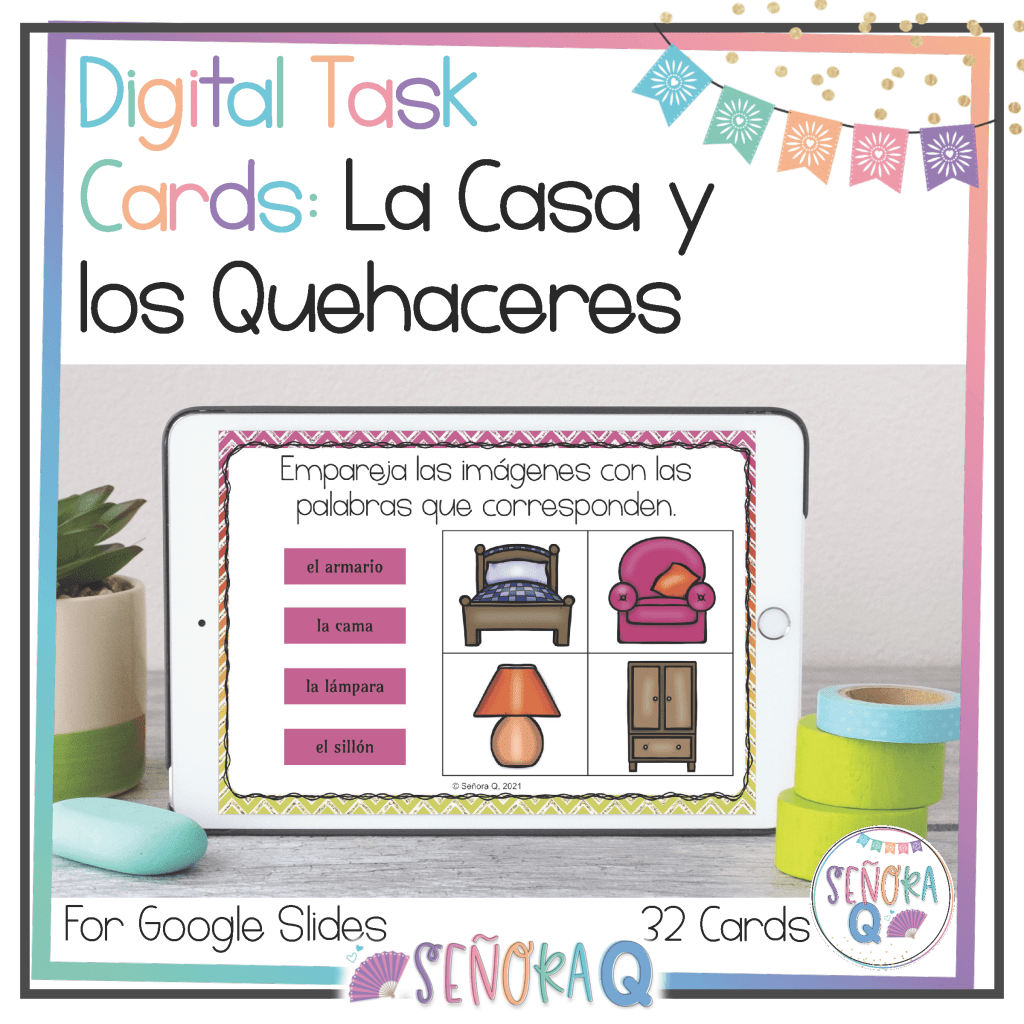
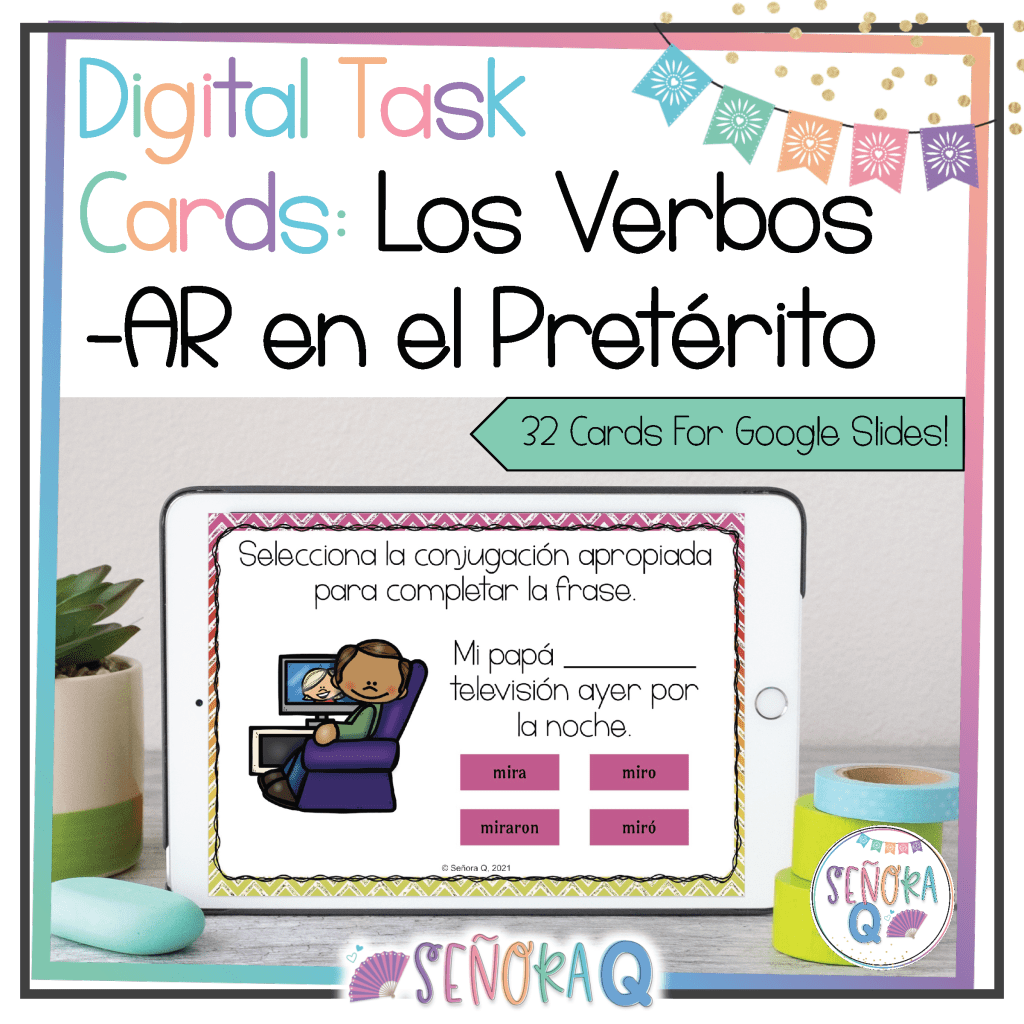
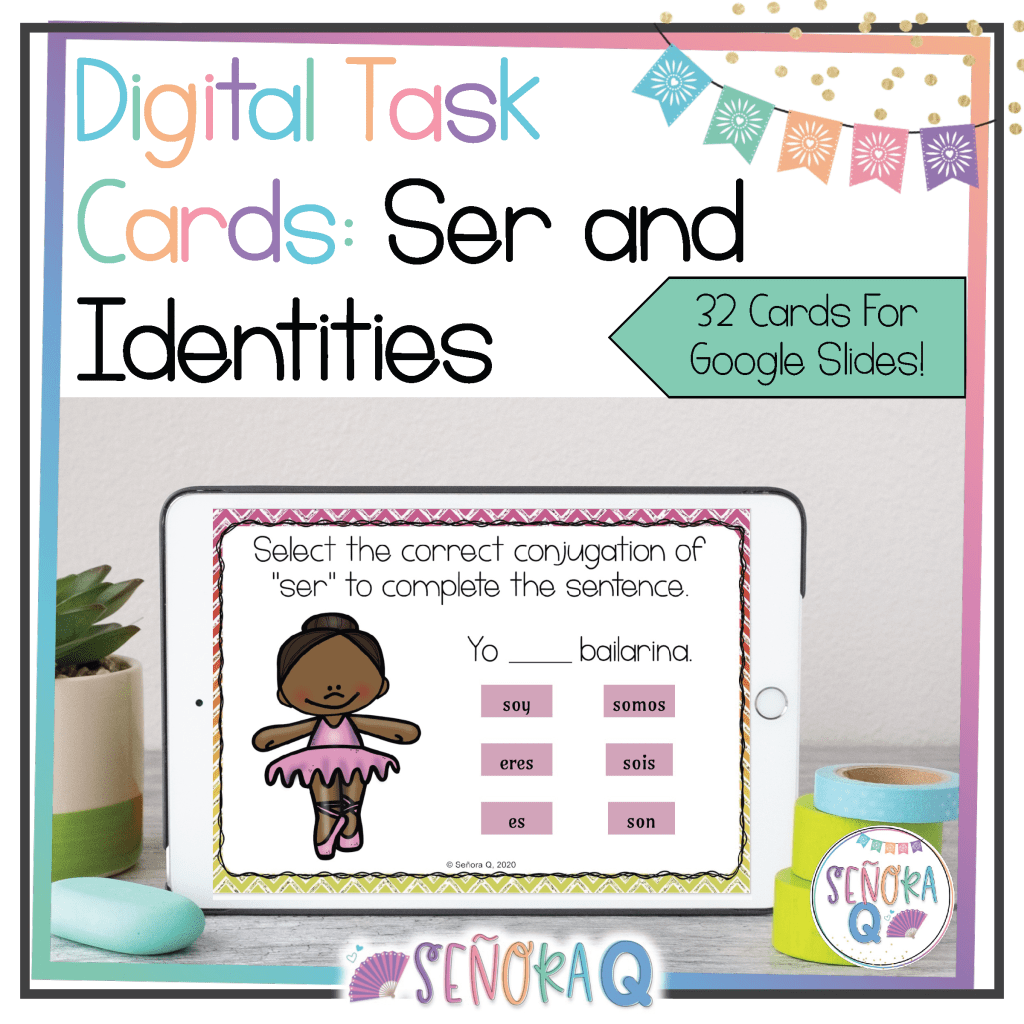
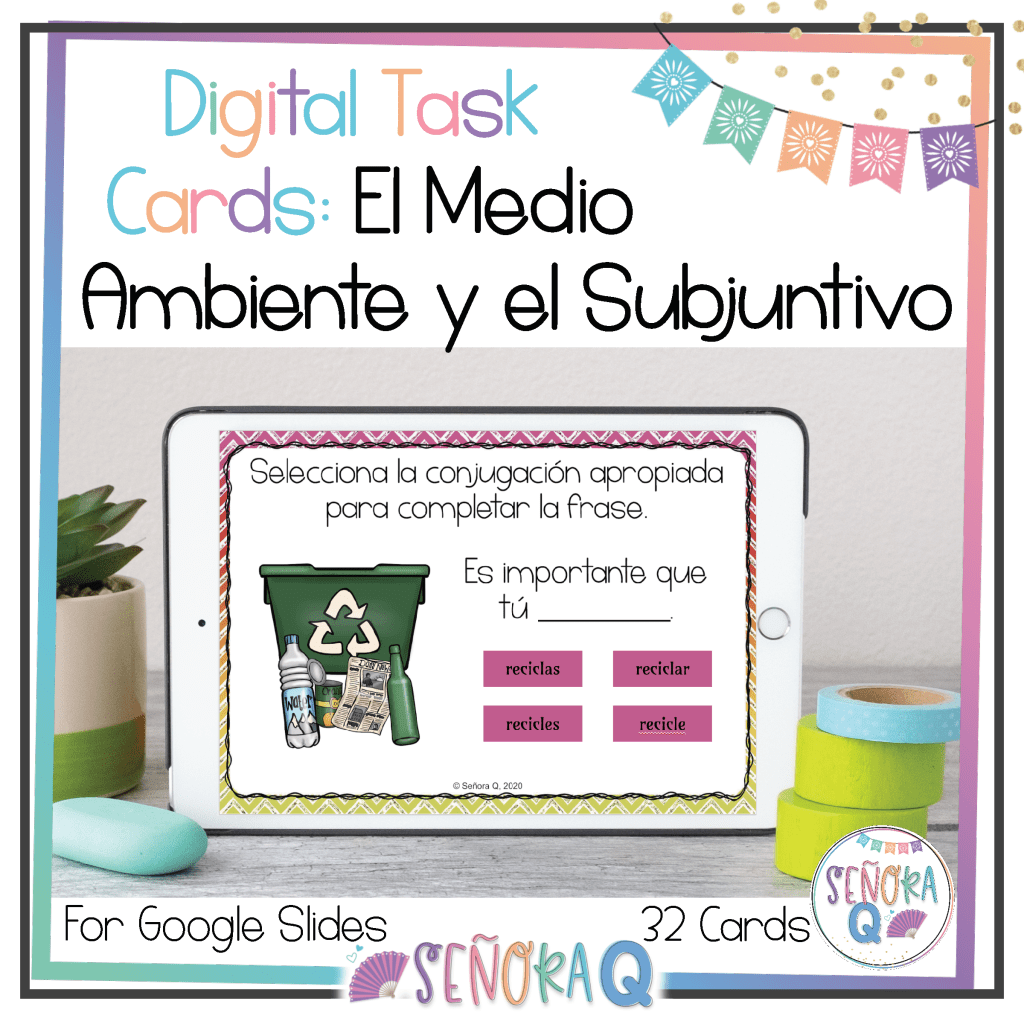
Using a platform like Google Slides, you can make a digital task cards set that is easy to share with your students via email or your LMS (Google Classroom, Canvas, Schoology, etc.). Treat each slide like an individual task card. On each slide, write a question or prompt on it that is related to the topic you’ve been studying in class. I like to include images as well, but that is not at all mandatory!
These make great sub plans because of how simple it is to assign and collect digital task cards. No photocopying or worrying about your sub distributing or collecting papers! Plus, digital task cards aren’t “filler” assignments – your students will still be able to meaningfully practice the content you’re studying. You won’t fall behind if you have a strict schedule to follow, as your students still get the practice that they need despite your absence!
Now, I get it – if you’re feeling sick, the last thing you probably want to do is create digital task cards. That’s okay because I’ve done it for you! Here are my favorite digital task card sets:

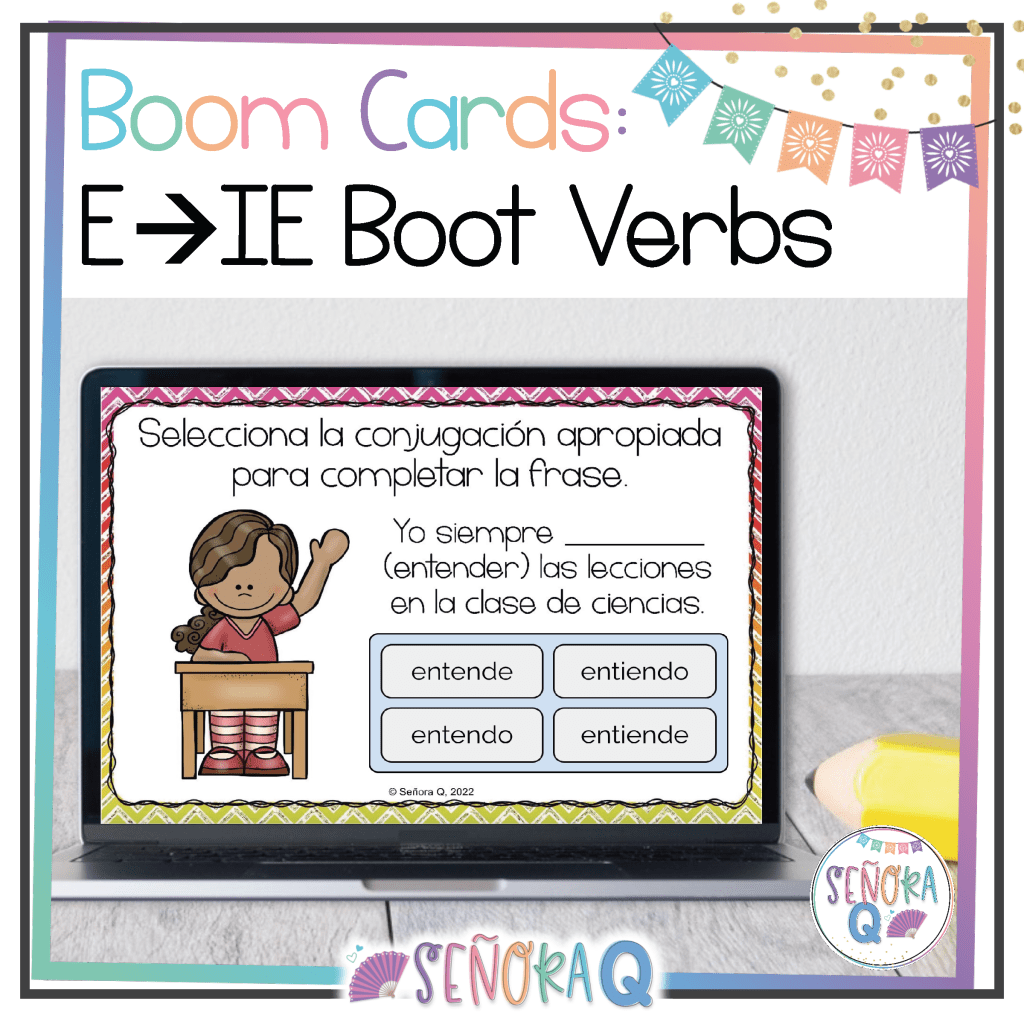
#2: Boom Cards.
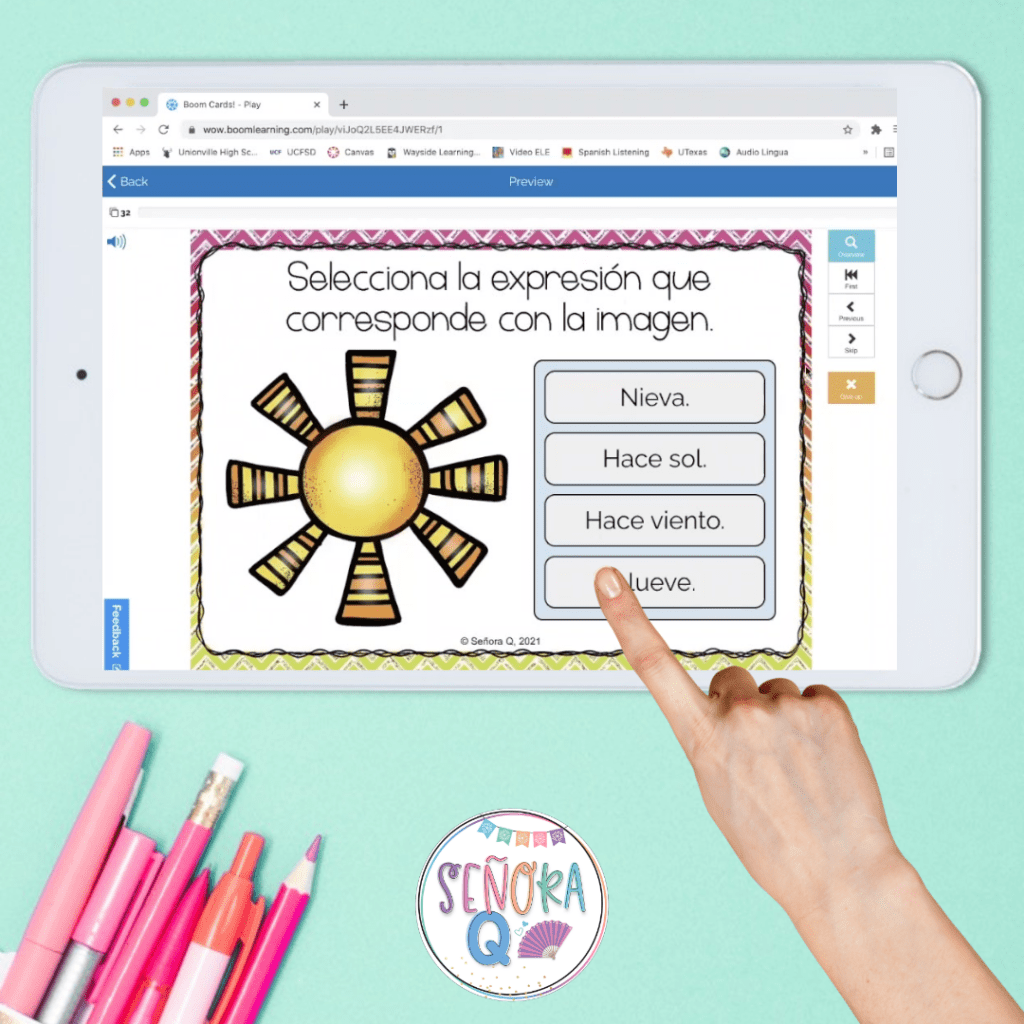
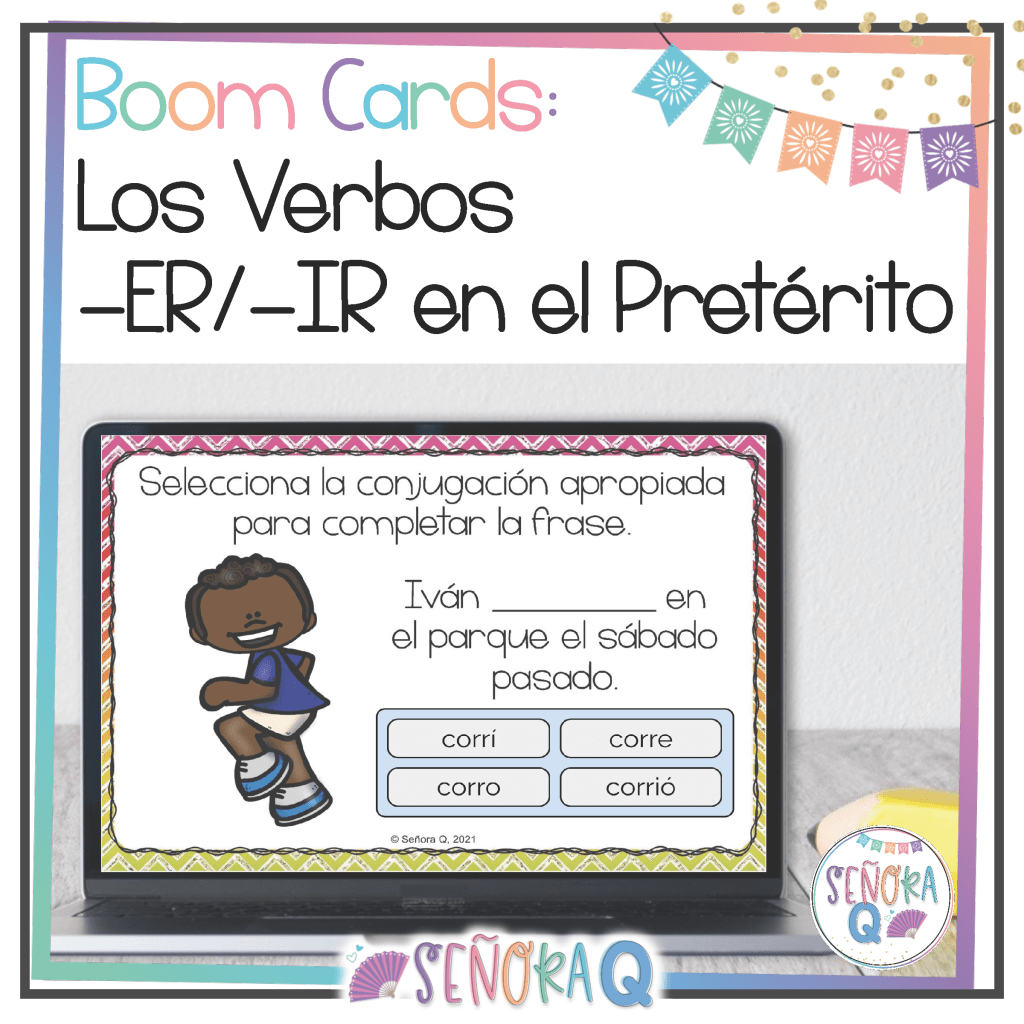
Boom Cards are digital task cards hosted on the Boom Learning site. Boom Cards are self-correcting, which means students know immediately if they have the correct answer! Students retry questions they get wrong until they get the right answer. You can use Boom Cards for free, with advanced reporting features available with upgraded memberships.
Like other digital task cards, Boom Cards are perfect for sub plans because they are easy to share with students. Simply select the set you want students to practice and share the Fast Play link with students via email or your LMS! Also, since students are able to find out the right answers to the questions as they go through the deck, students are receiving valuable feedback and are able to progress and increase their abilities.
Are you interested in Boom Cards, but you don’t feel up to making a deck? No worries! Here are some of my favorites:



#3: Listening Comprehension Activities.
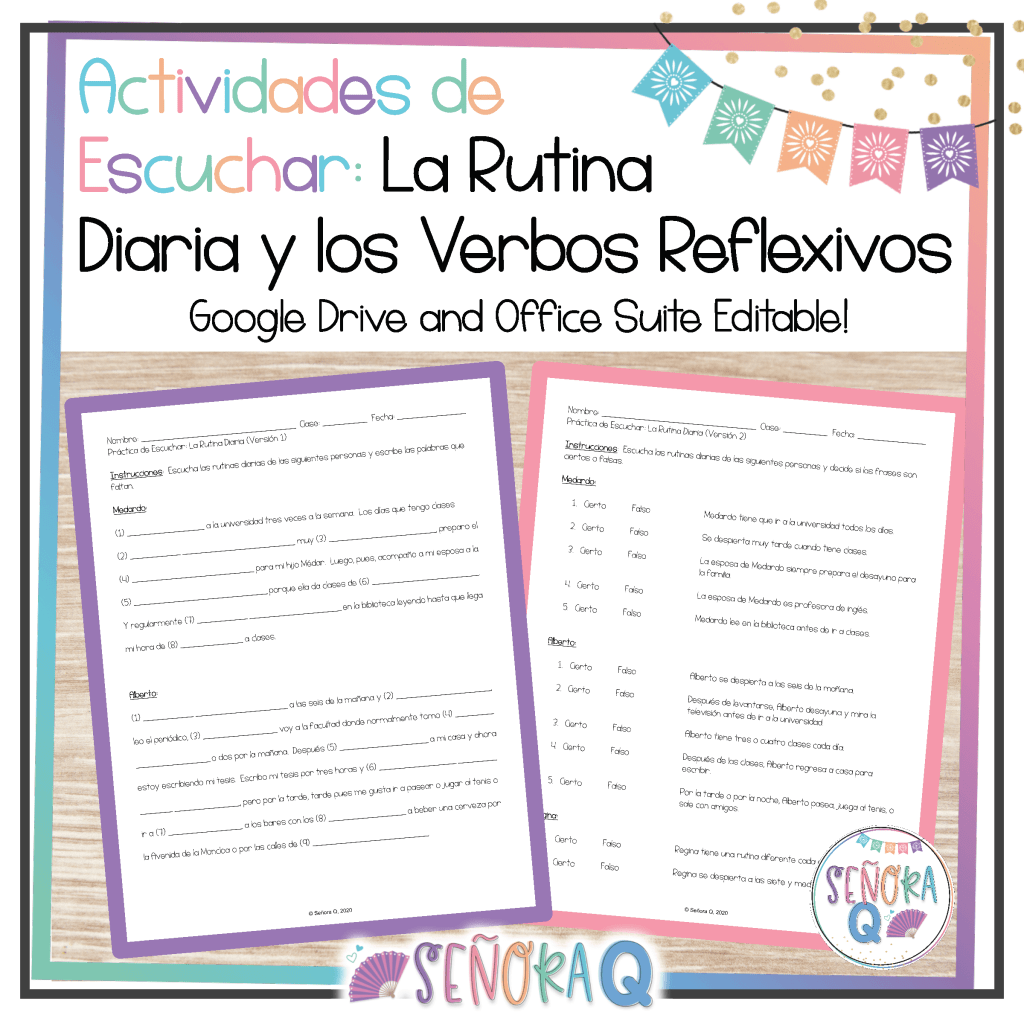
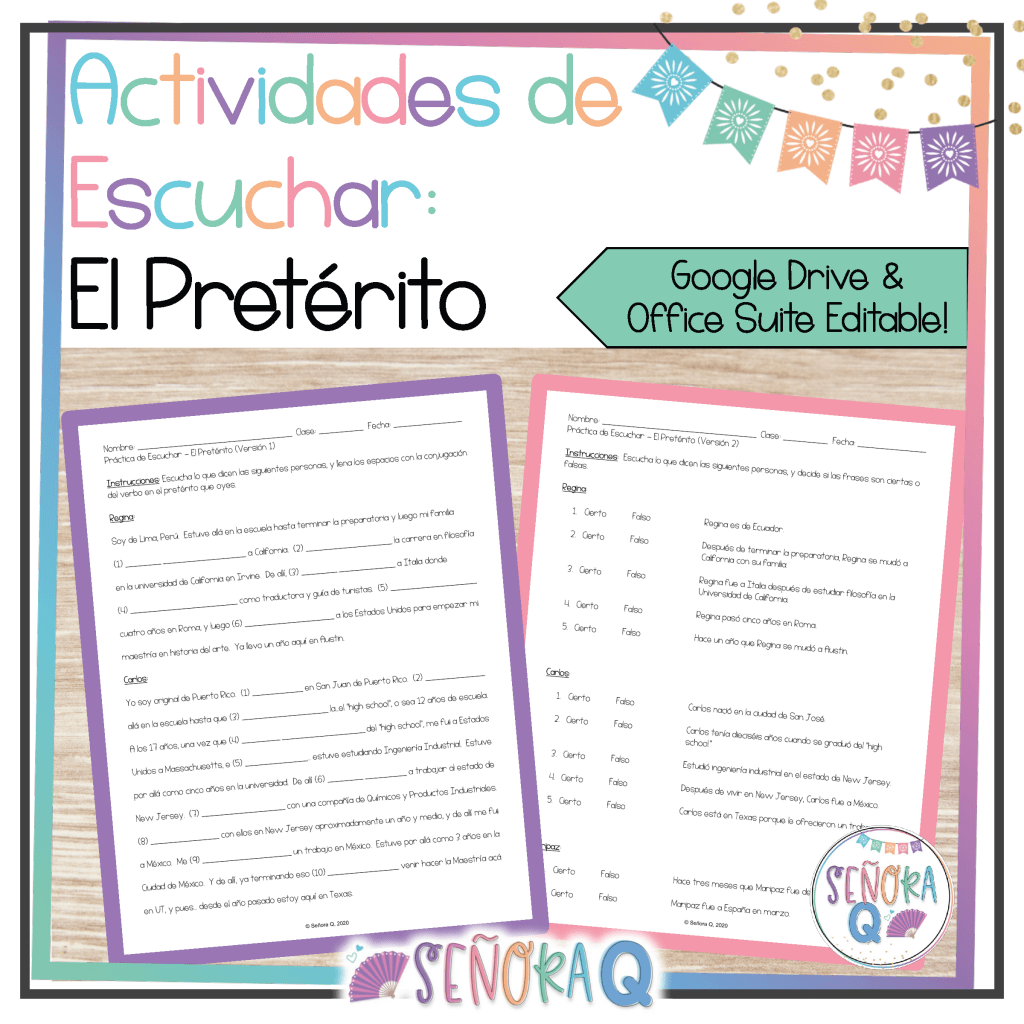
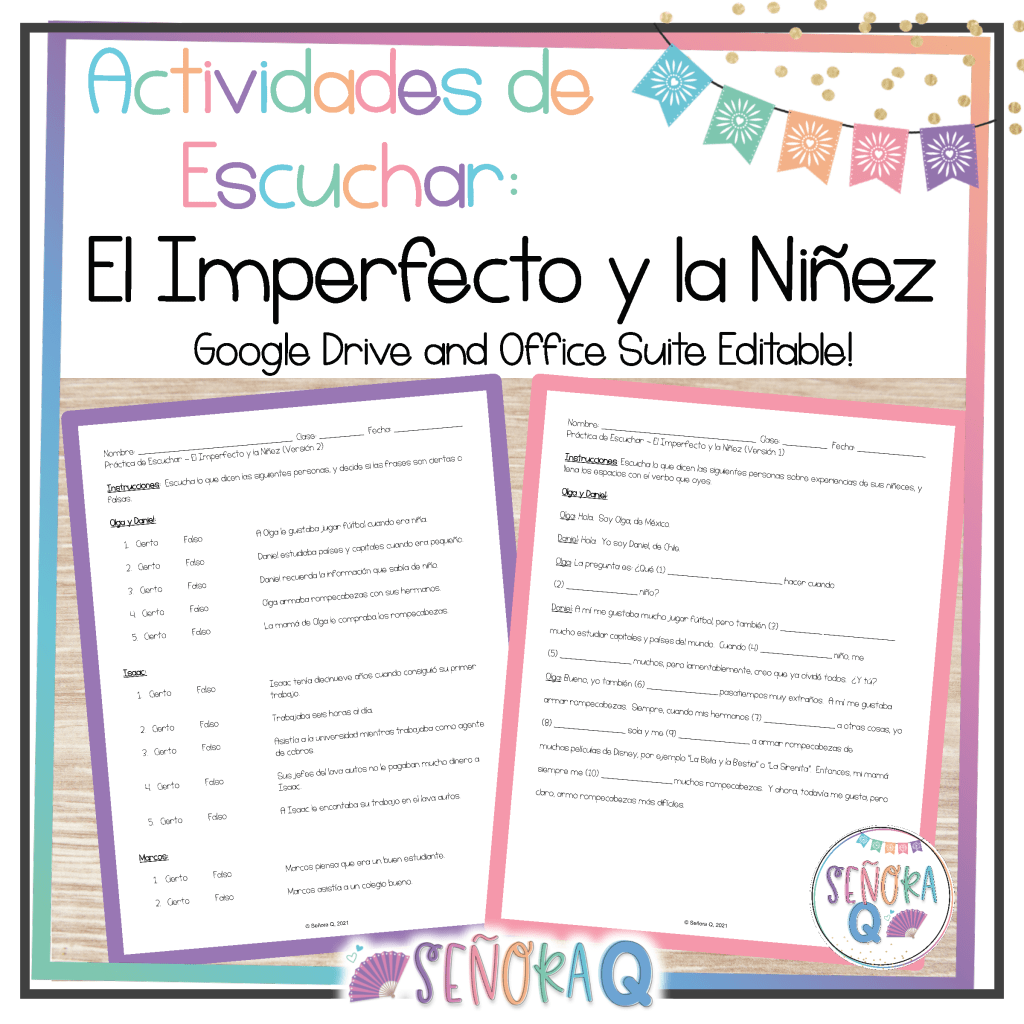
Being sick doesn’t mean that your students can’t improve their language proficiency skills! Listening comprehension activities are a go-to sub plan of mine for several reasons:
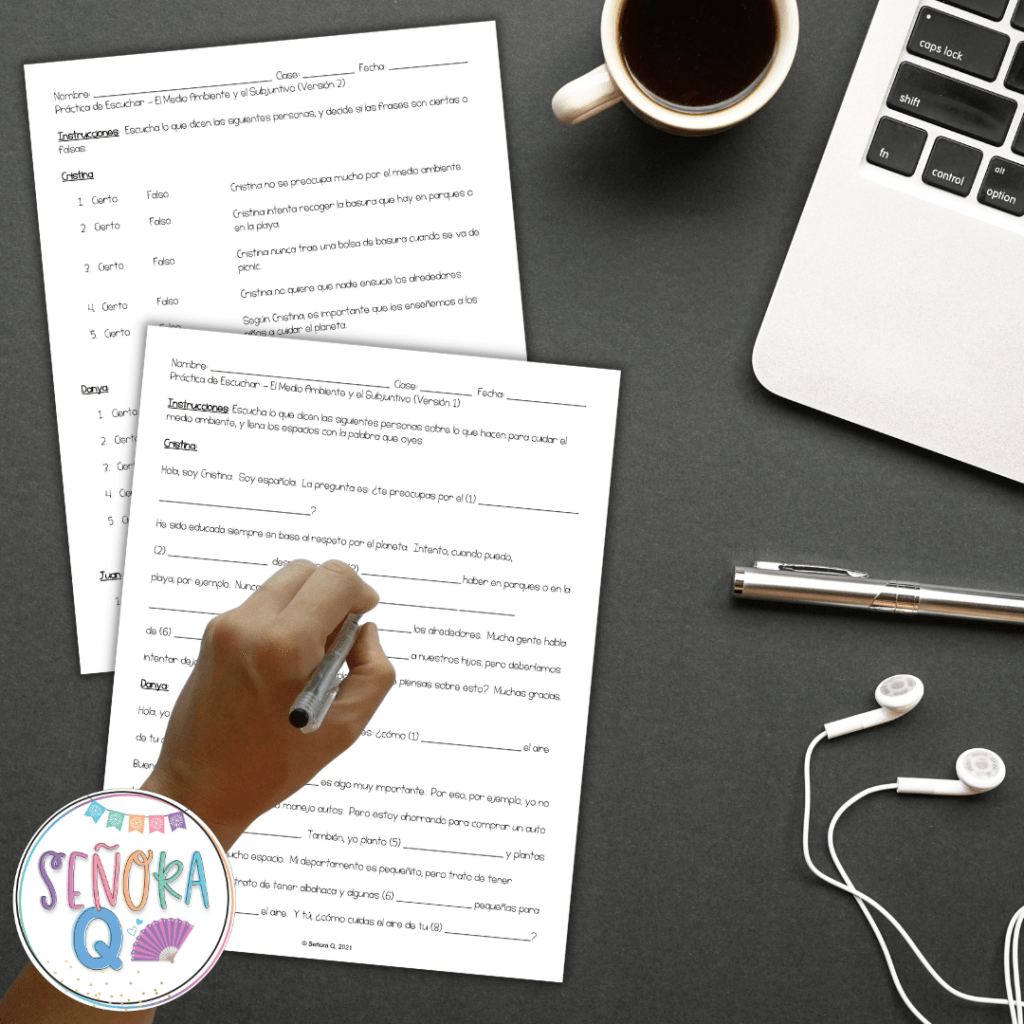
- There are so many authentic audio resources online for you to utilize. This blog post has a list of some really great ones!
- It’s easy to share the audio files that you find with your students – you can share links or files via email, or post them on your LMS!
- There are so many ways to have your students complete comprehension activities! Some options include EdPuzzle, Google Forms, or your LMS’s quiz feature. You could even share a Google Doc or Word document with students, have them complete the activities, and send them back to you!
- Depending on how you assign comprehension activities to students, they may self-correct (EdPuzzle, Google Forms, your LMS’s quiz feature), so your students will know right away which answers they get right and which they get wrong.
- Assigning listening comprehension activities independently is a great opportunity for students to listen at their own paces, making the activities more accessible to all members of the class.
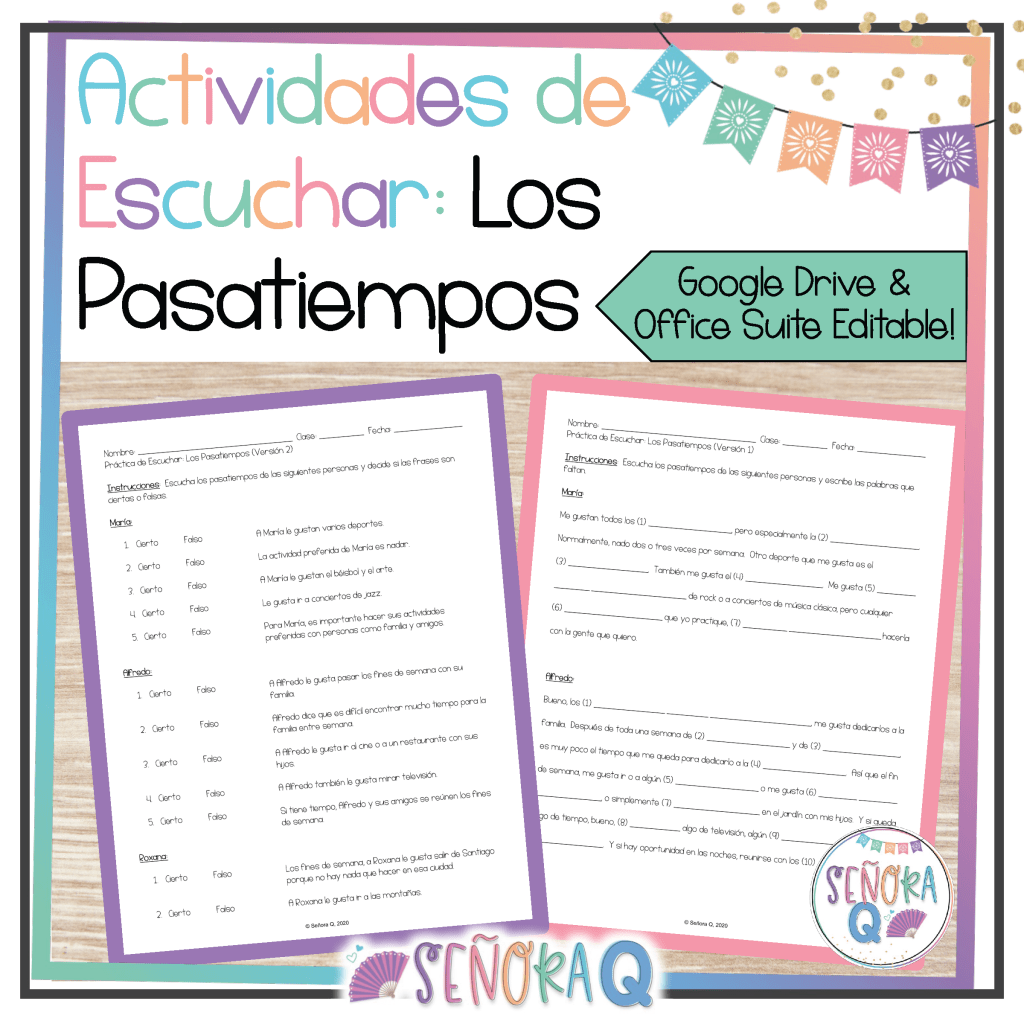
Are you interested in some ready-to-share listening comprehension activities? Check these out!

#4: WebQuests.
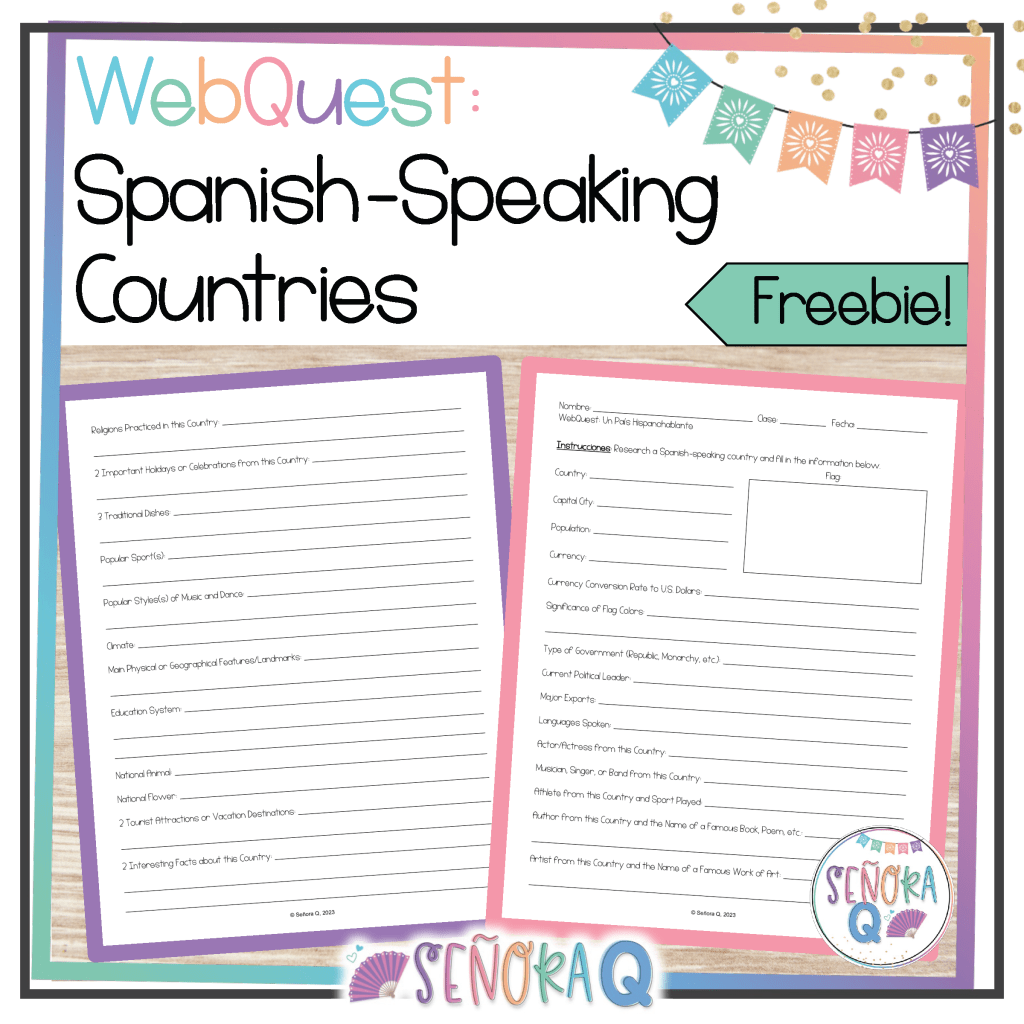
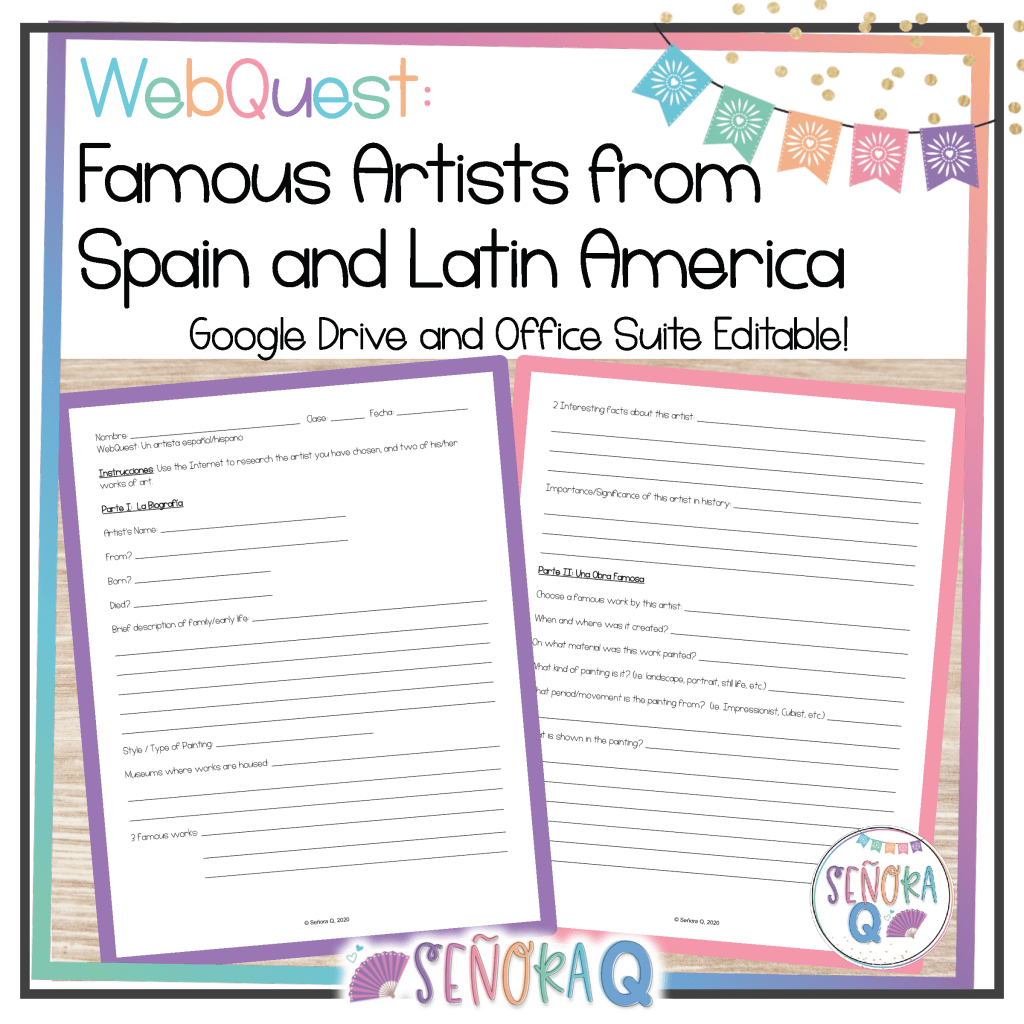
WebQuests are perfect for exploring culture! They are easy to assign to students – simply share your WebQuest with students via email or your LMS, and students will use their devices to complete the activities. I recommend beginning the webquest with an introduction to the cultural concept you want your students to explore. Whether it’s a specific holiday, tradition, famous person/people, or historical event, provide a brief overview to pique their interest and set the stage.
An awesome benefit of webquests is that they have the ability to guide students to authentic and diverse resources. Direct them to websites, articles, videos, and multimedia content that offer a firsthand glimpse into the cultural aspect you’re exploring. This could include interviews with native speakers, virtual tours of historical sites, or footage of traditional celebrations.
As students explore the Internet researching the given topic, have them complete interactive activities that encourage them to actively engage with the content. For example, you could include comprehension questions, reflection prompts, or interactive quizzes within the webquest. This not only ensures that students are absorbing the information, but also provides an opportunity for self-assessment.
Conclude the webquest with a reflection component where students can express their thoughts, share newfound insights, and draw connections between the cultural exploration and their Spanish acquisition journey. This reflection solidifies their understanding and encourages them to see the relevance of cultural knowledge in learning another language.
Here are some WebQuests you might find useful in your classroom:
#5: Creative Projects.
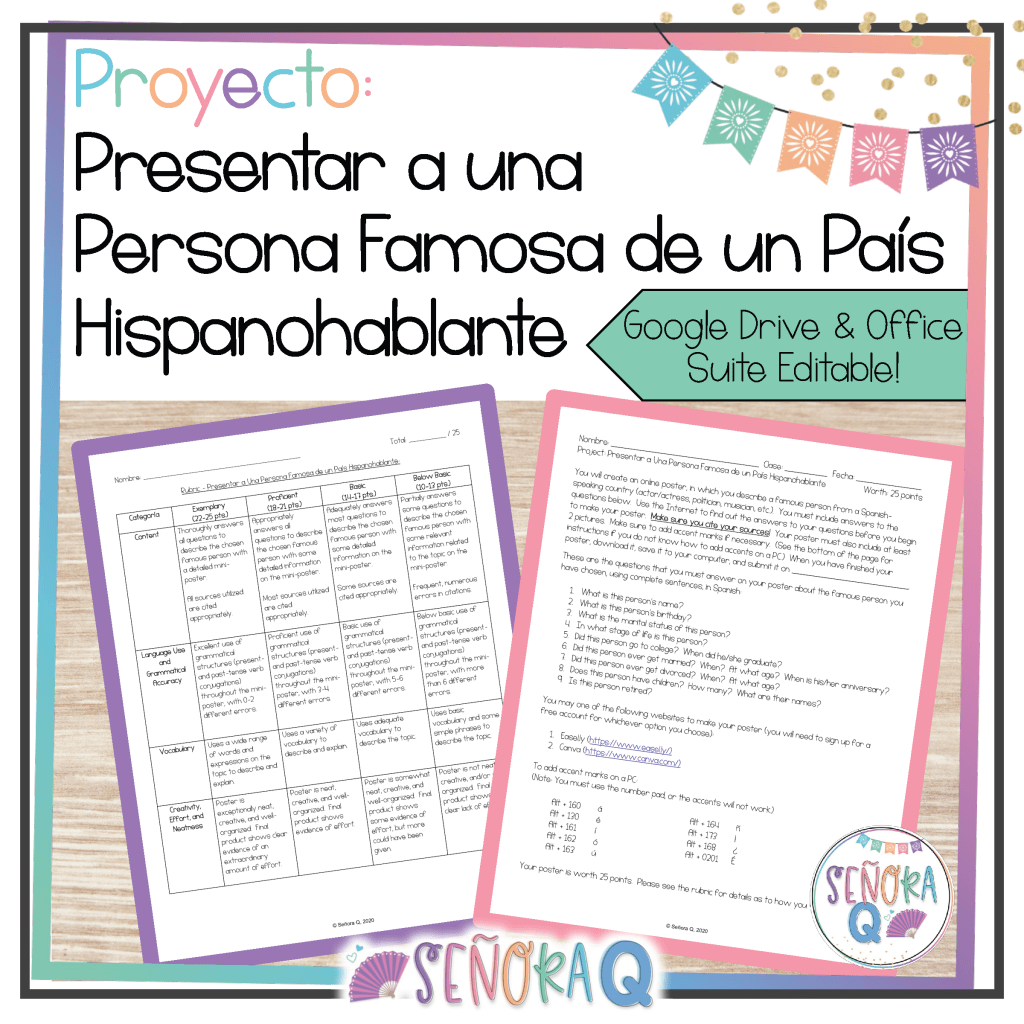
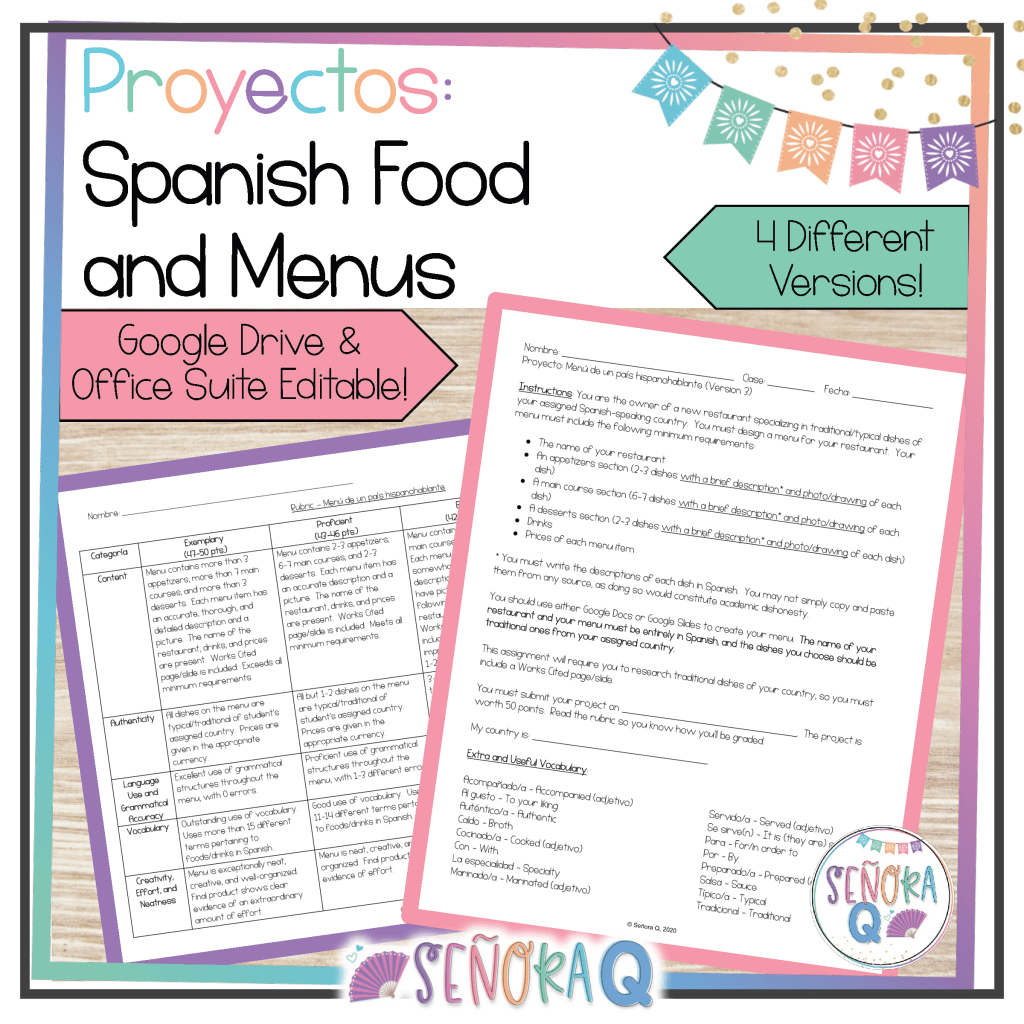
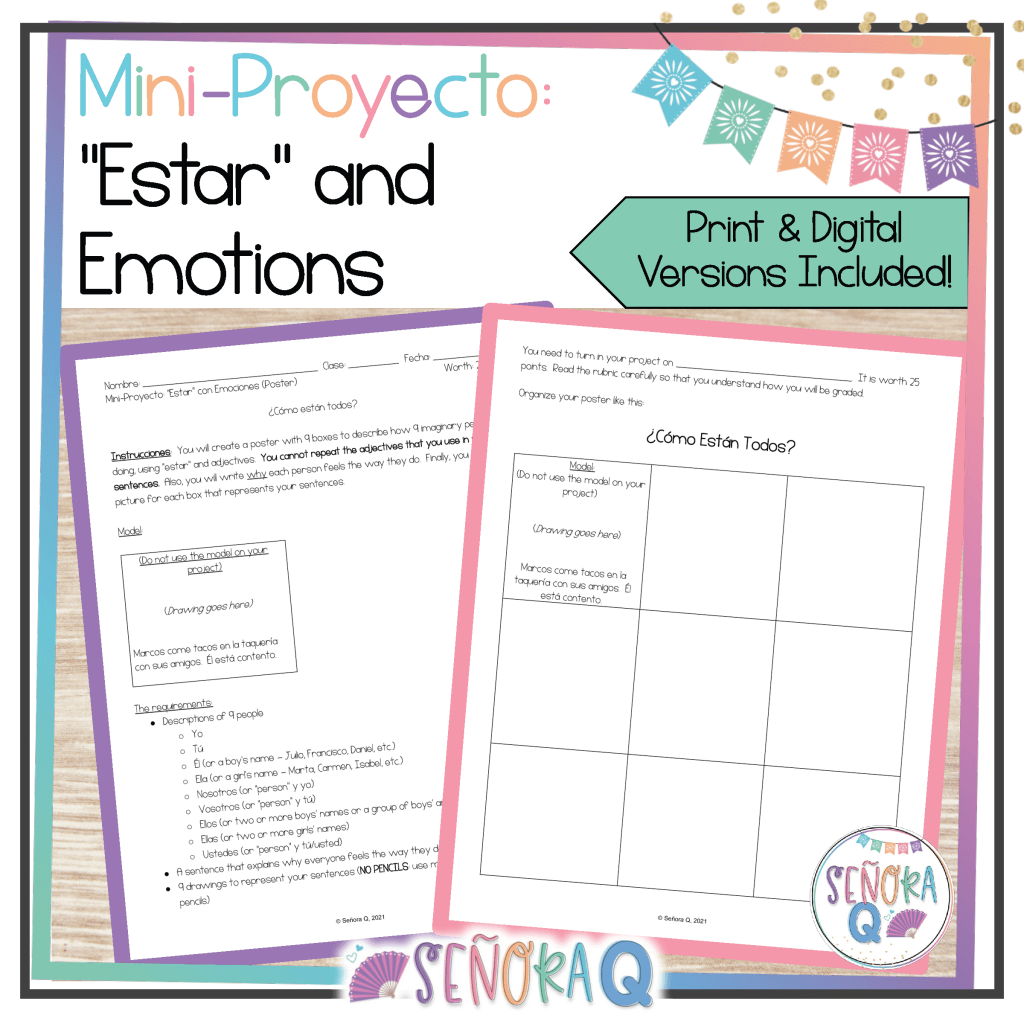
Creative projects can turn a substitute lesson into an exciting opportunity for students to express themselves, apply their Spanish skills, and showcase their creativity. Creative projects provide a platform for students to infuse their unique personalities into their assignment, while also practicing the course content. This allows students to increase their language skills while tapping into their individual creativity.
The great thing about creative projects is that, once you have instructions for students and a scoring rubric, it’s a very student-led activity. Students can work at their own paces and can progress even if you’re not physically present. Furthermore, if you assign a digital project, students can easily share their finished products with you!
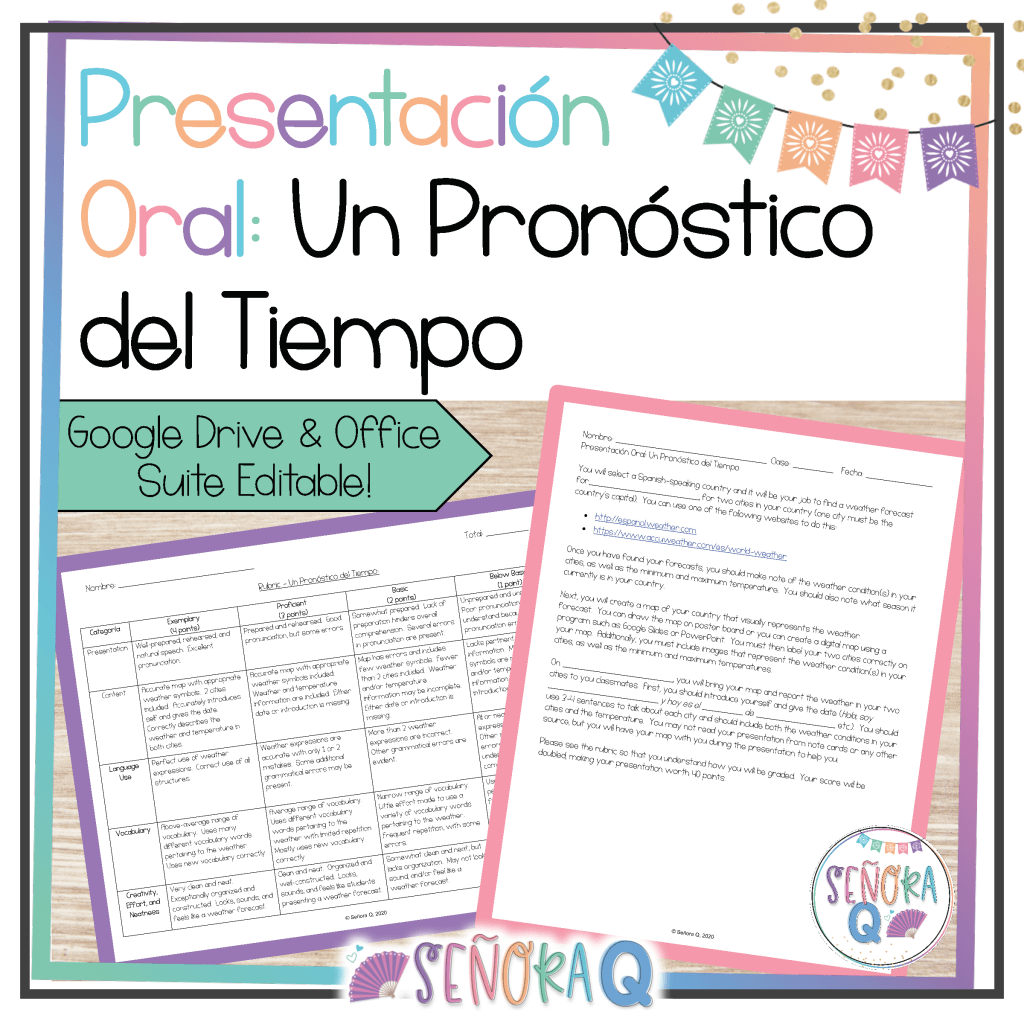
Interested in some ready-to-use creative projects that you can assign in your classroom immediately? Here are some of my favorites:

I hope this was helpful and that you found some ideas that you can use in your classroom and that you never have to worry about sub plans again—with these awesome activities on your side, the learning never stops! If you have any questions, leave a comment or feel free to send me an email. Have a wonderful week, profe!
 Señora Q